
- The Secret Influence of Folk Music on American Society - October 26, 2026
- 15 Souvenir Shopping Traps That Cost Travelers Money Abroad - October 26, 2026
- 16 Travel Adapter Mistakes That Leave Travelers Without Power - October 26, 2026
Your plug fits the wall perfectly, and your gear can still end up dead, overheated, or ruined, which is exactly how these 16 mistakes catch travelers.
Plug shape is the easy part, and the costlier traps (voltage, wattage, grounding, even airline rules) are hiding further down the list.
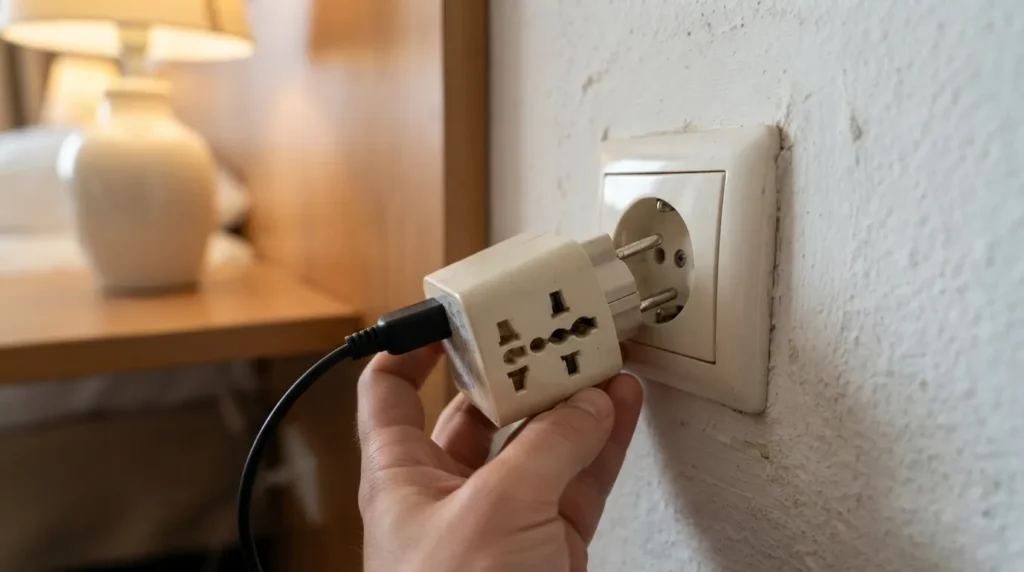
#16 – Assuming Every “Universal” Adapter Covers All Plug Types
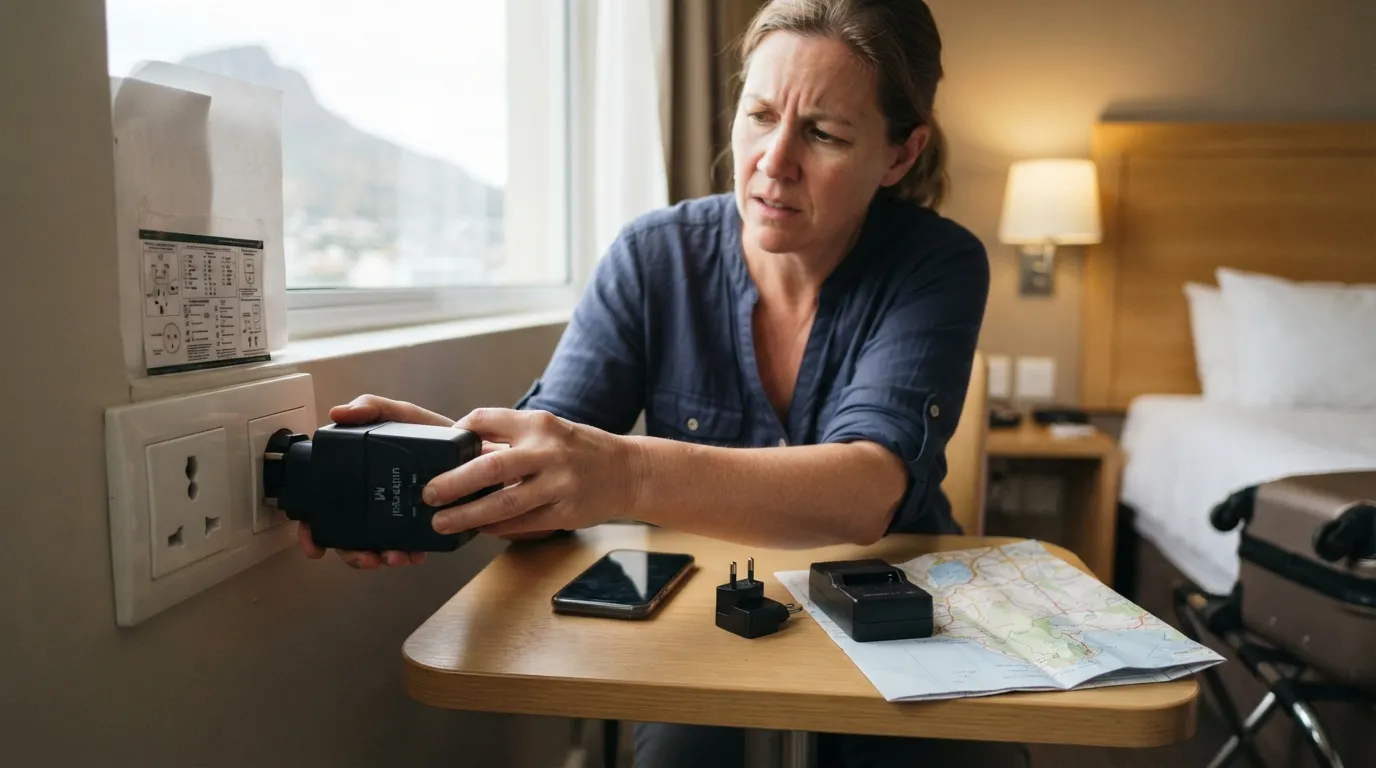
Travelers often grab the first multi-country adapter they see, sure it covers everywhere. Then they land in South Africa or Italy and discover that some budget models skip Type M or Type L.
Match the plug types listed on the packaging to every stop on your route, because airport shops charge a premium for last-minute fixes. The next mistake hides in the tiny print on your own charger.
#15 – Skipping the Voltage Label Check on Every Device
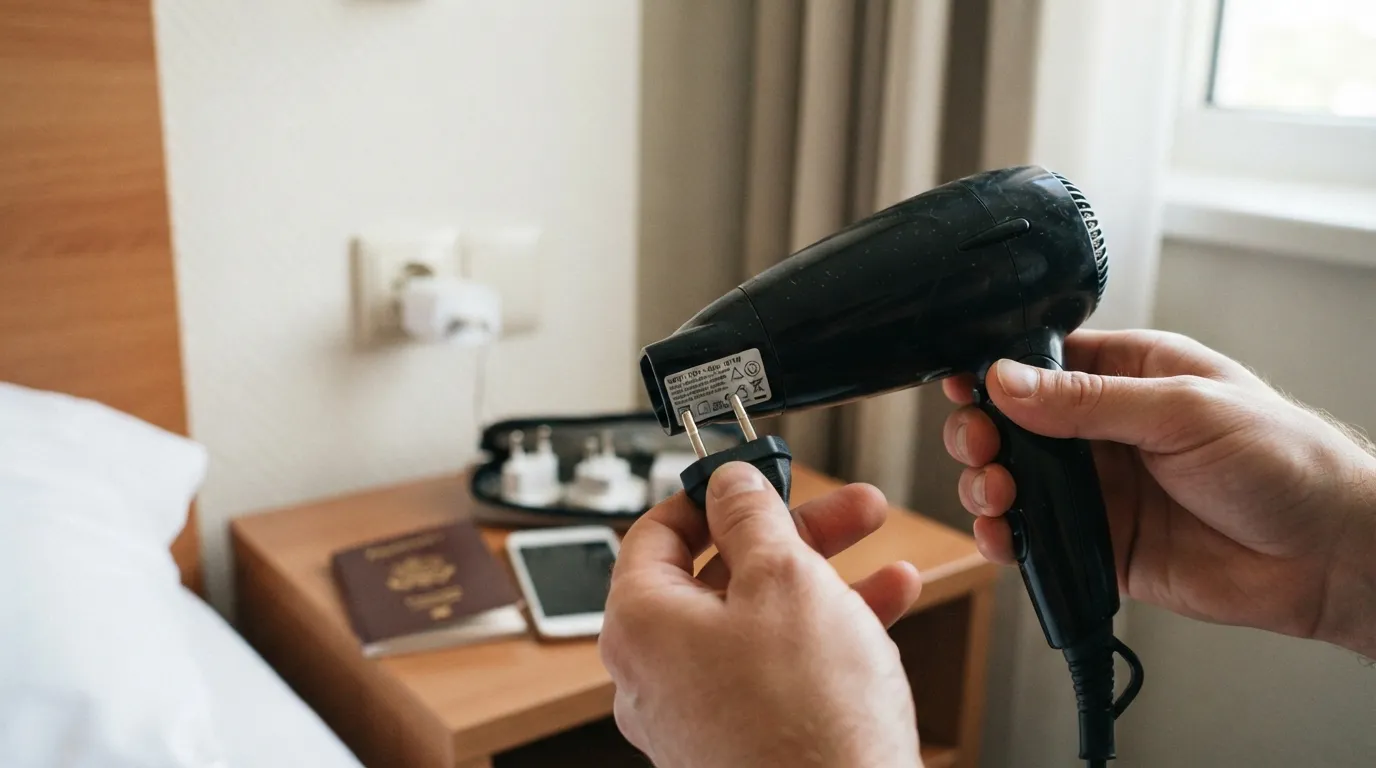
Every charger carries small print listing its input voltage, and most people ignore it until something fails. A label reading 100-240V means the device is built for the mains voltage in most countries, while “120V only” spells trouble in 220-240V regions.
A plug adapter does nothing to change voltage, so a single-voltage hair dryer or kettle can be damaged fast. Manufacturers print these ratings for a reason.
Even with the label in hand, many travelers still grab the wrong tool.
#14 – Confusing Adapters With Converters on High-Power Items
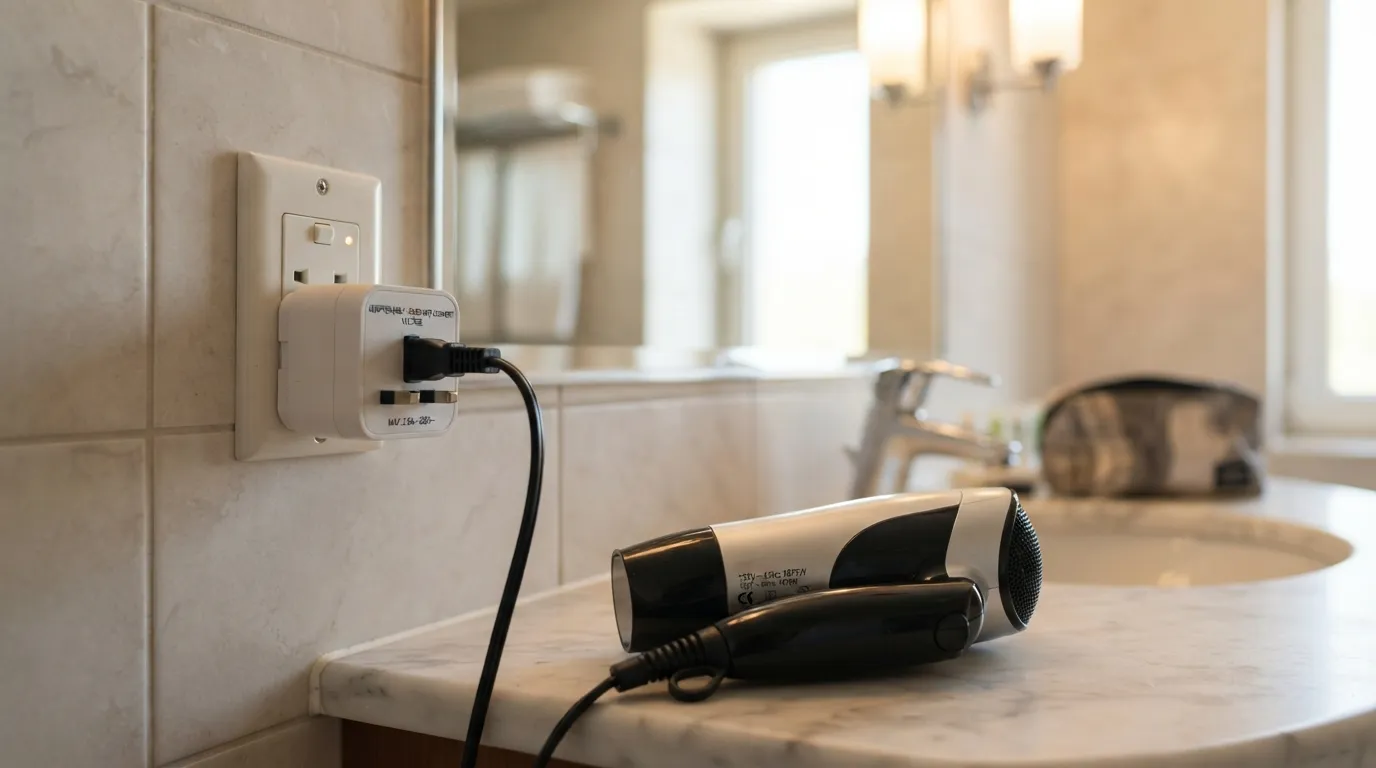
An adapter changes plug shape. A converter changes voltage, and travelers mix the two up constantly when packing hair tools or medical devices.
Heat-generating devices suffer most from this mix-up, and any converter has to be rated for the device’s wattage. For medical equipment, ask the manufacturer before you fly.
Quick Compare
- Plug adapter: changes the plug shape only, and the voltage stays the same.
- Voltage converter: changes the voltage, and its rating must cover the device’s wattage.
- Dual-voltage device (100-240V): usually needs just a plug adapter.
Wattage, as it turns out, is the next thing people overlook.
#13 – Ignoring the Adapter’s Own Wattage Rating
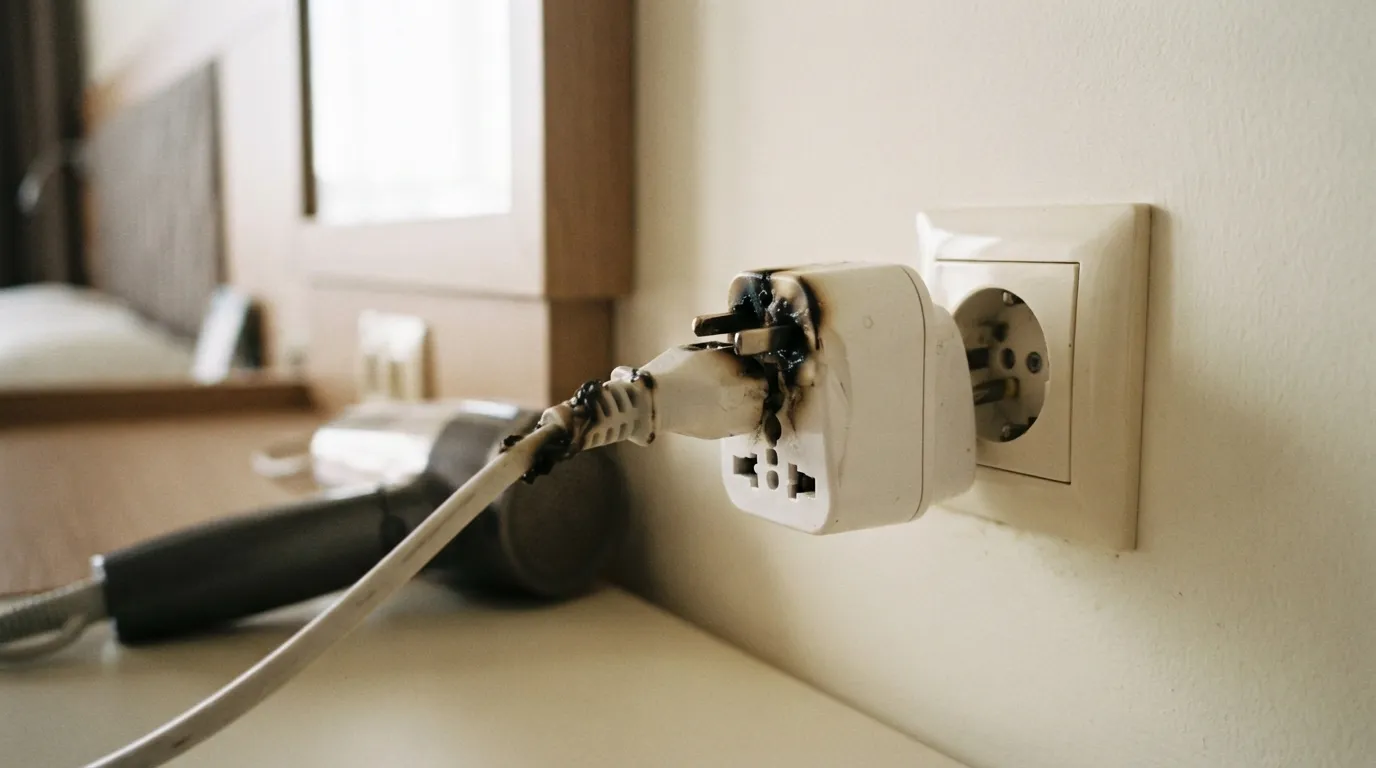
A tiny adapter can look tough and still be rated for only a modest load. Its label lists a maximum amperage or wattage, and a hair dryer or travel iron can blow right past it.
Add up what you plan to plug in, and stay under the lowest rating in the chain. If a device asks for more than the adapter allows, switch adapters instead of pushing your luck.
Speaking of chains, the next mistake builds one.
#12 – Stacking Adapters Into a Wobbly Daisy Chain
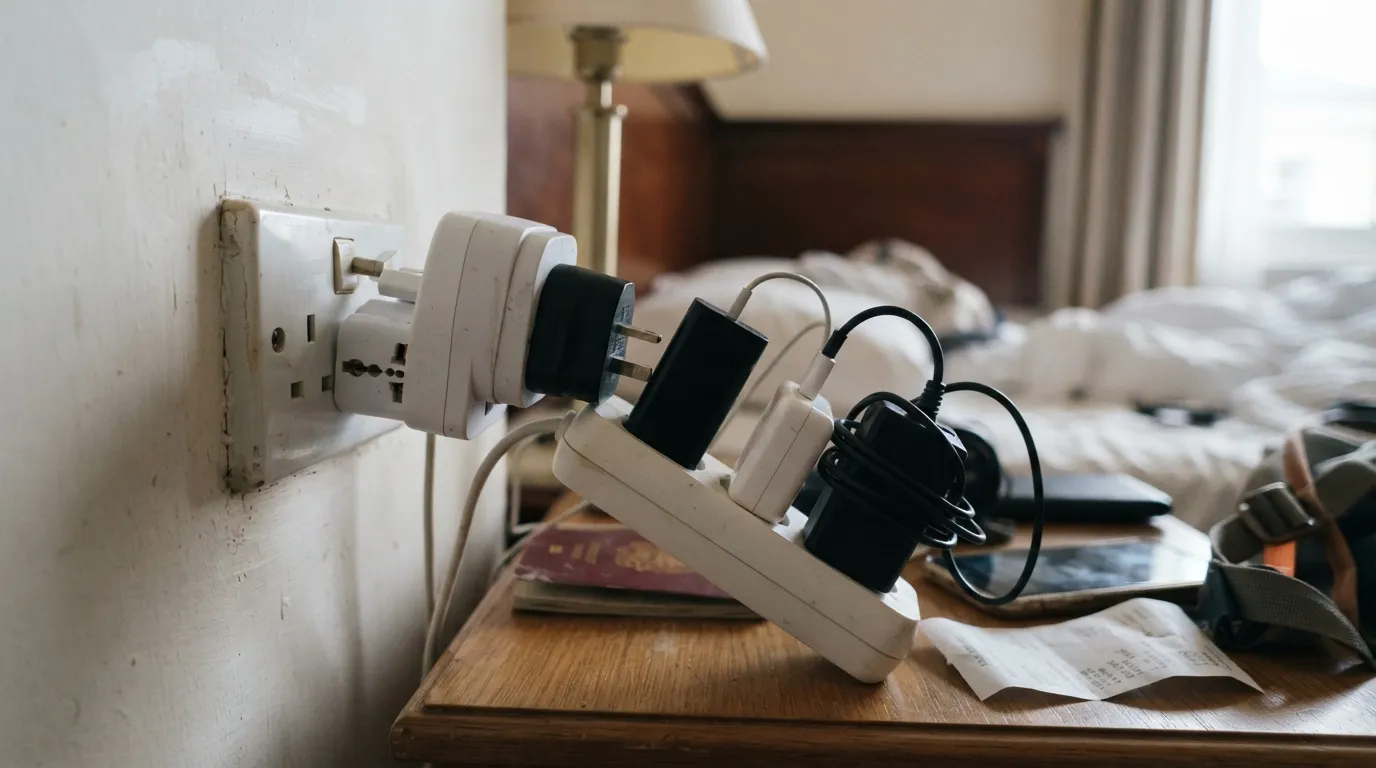
Adapter into adapter into power strip feels clever when the room has one outlet. It also piles up ratings, strain, and loose connections in a single spot.
Use one adapter that fits the wall and is rated for everything on it, and make sure any power strip is made for local voltage. If it can’t all run through one rated setup, charge in shifts.
Then there’s the plug that almost fits.
#11 – Forcing a Plug That Almost Fits
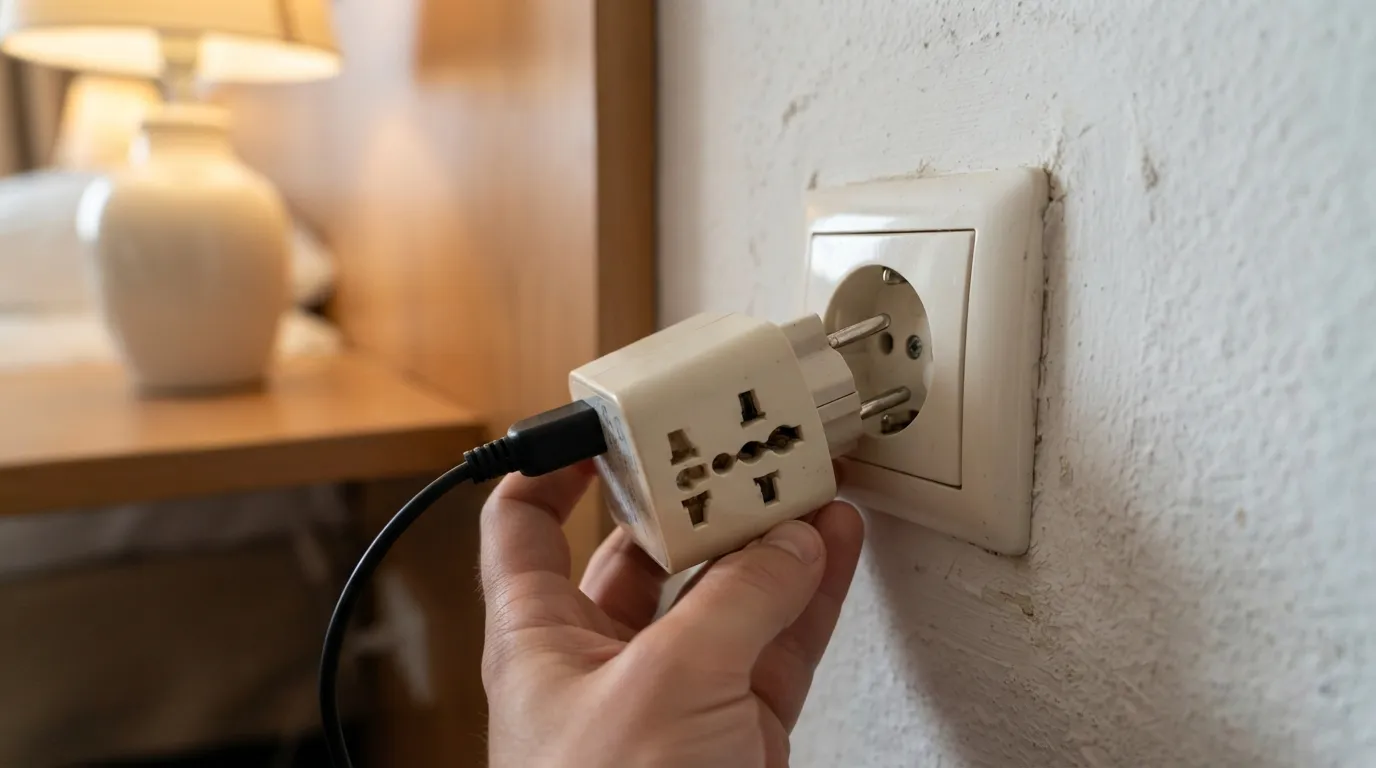
A plug that wiggles, tilts, or needs a shove is telling you something. Forcing it can crack the adapter or leave a half-seated connection that runs hot.
Stop, unplug, and compare the plug type to the outlet and the adapter’s markings. If the fit is still poor, try a different adapter or ask the front desk for a loaner.
Next up is the third pin everyone forgets.
#10 – Ignoring the Ground Pin on Grounded Devices
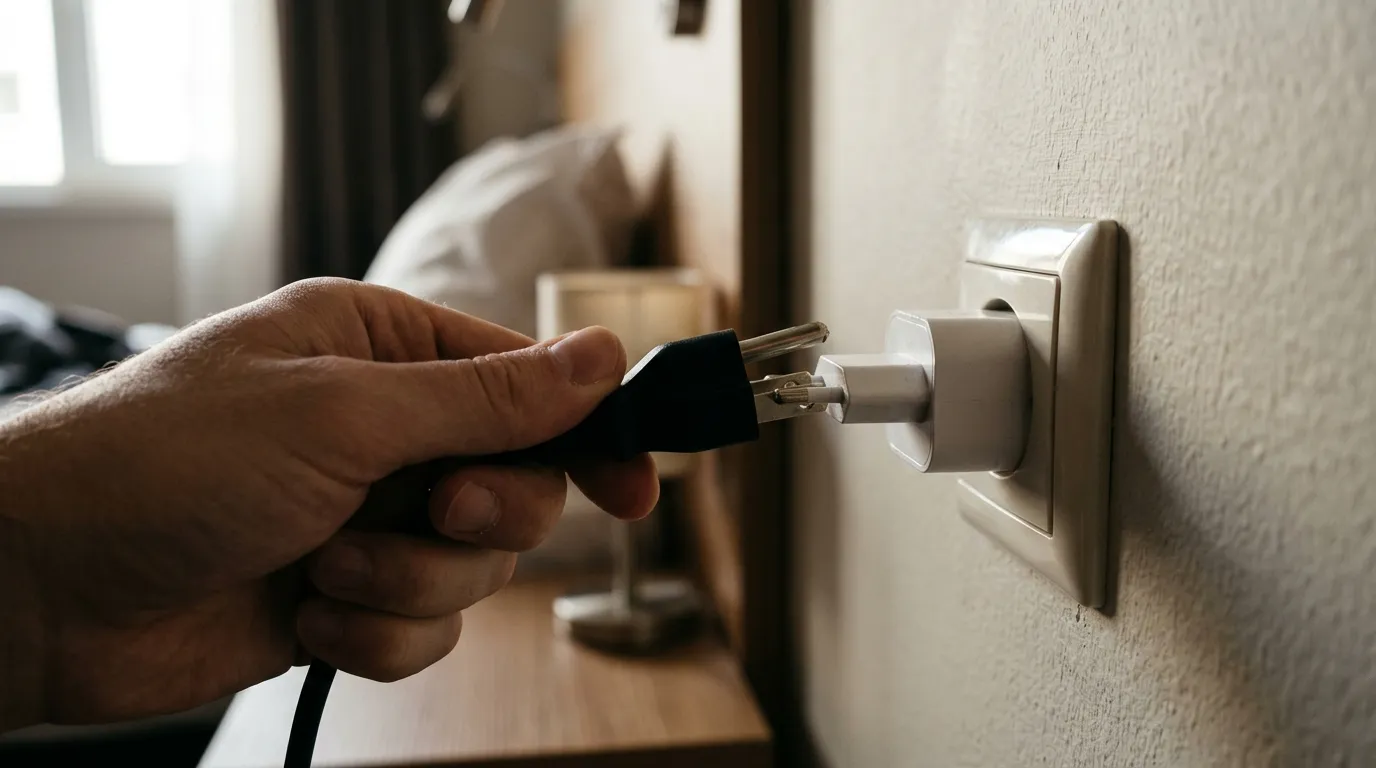
Some devices have a three-prong plug because they’re designed to be grounded. Run them through a two-pin adapter and that protection can quietly disappear.
Check the manufacturer’s guidance for your device, and choose an adapter that keeps the ground connection when it’s required. Never snap off or work around a pin just to make something fit.
And then comes the appliance that probably shouldn’t have made the trip.
#9 – Packing Heat-Hungry Appliances You Could Borrow

Full-size hair dryers, curling irons, and travel kettles pull a lot of power, which makes them the usual casualties of foreign outlets.
Look for dual-voltage and wattage details on the label, or skip the item and ask your accommodation whether a dryer or kettle is provided. Packing less beats gambling on a gadget that can overload a cheap adapter.
Fast Facts
- The U.S. and Canada run at a nominal 120V.
- The UK and most of Europe run at a nominal 230V.
- Japan runs at 100V.
- A plug adapter changes none of these numbers.
Speaking of cheap, that’s a problem all its own.
#8 – Buying the Cheapest Unmarked Adapter
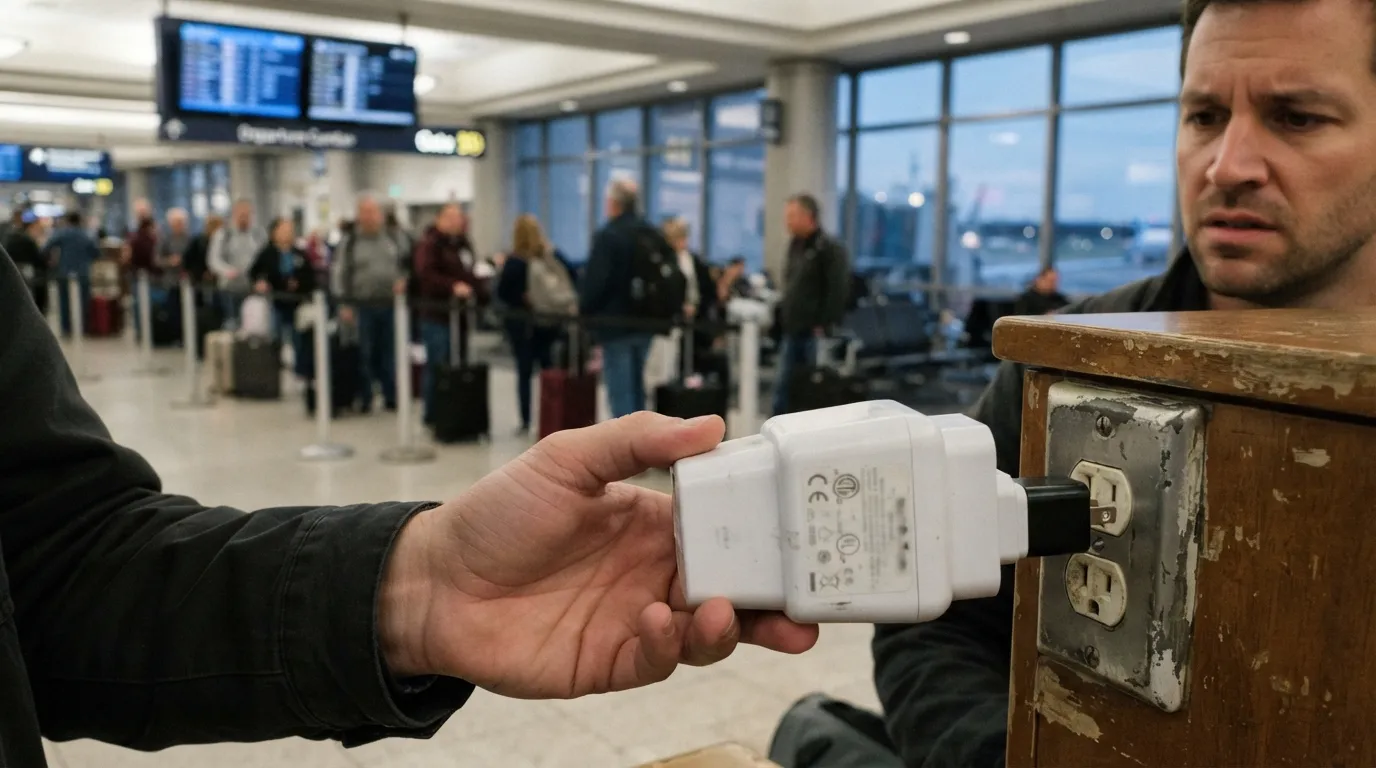
Rock-bottom adapters often come with blurry labels, no ratings, and no clear maker. When something goes wrong, you have nothing to go on.
Choose an identifiable brand with clear ratings and recognized safety certification marks, and match those ratings to your devices. Buy before the trip, not from a mystery bin at the airport.
Even a good adapter can’t fix a weak power source, though.
#7 – Using a Low-Power Charger or Port for a Hungry Device
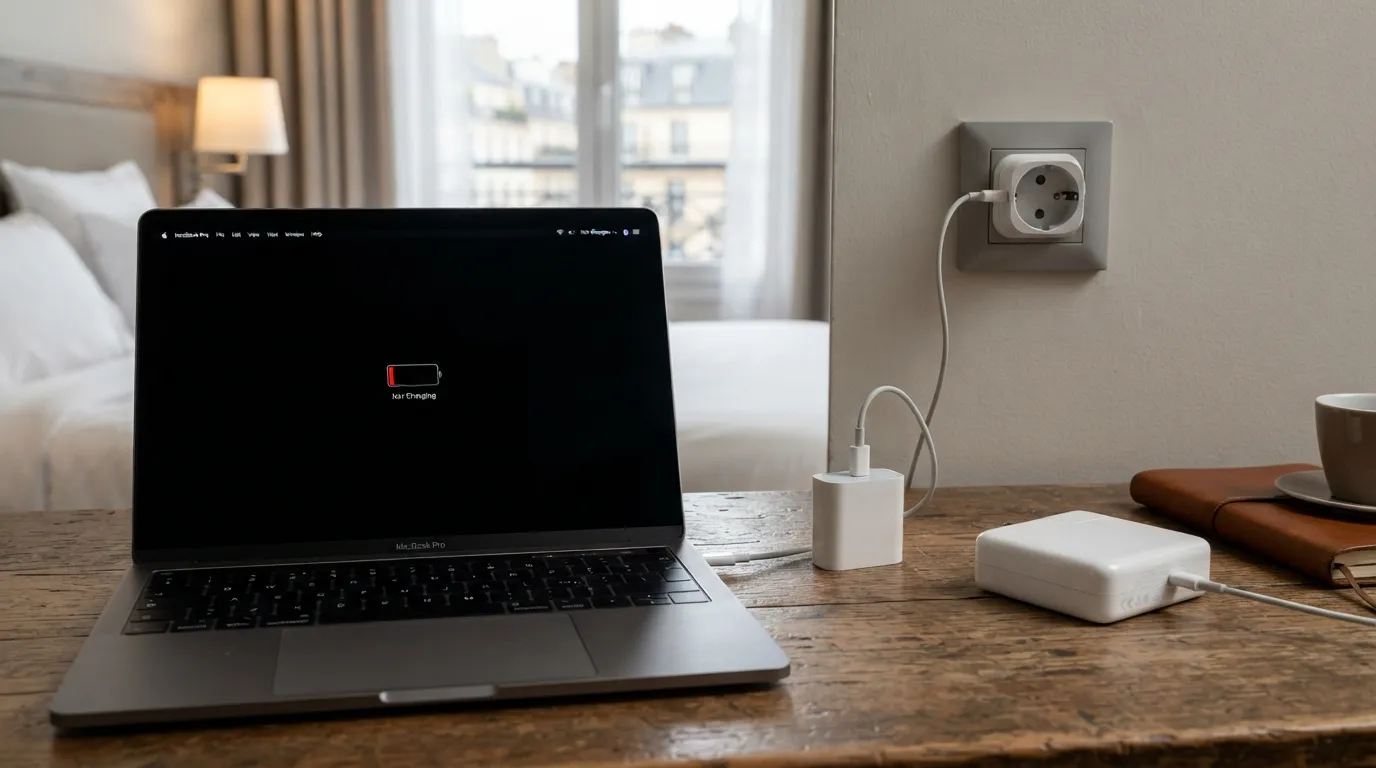
A laptop on a slim phone charger may charge painfully slowly, or show “not charging” while the battery drains. Chargers are built for a specific output, and your device label tells you what it expects.
Pack the charger that came with the device, or one that meets the output the manufacturer lists. Otherwise you may have a plug that technically works and a laptop that still dies.
Next comes a battery mistake that can ground more than your gadget.
#6 – Packing Power Banks in Checked Luggage
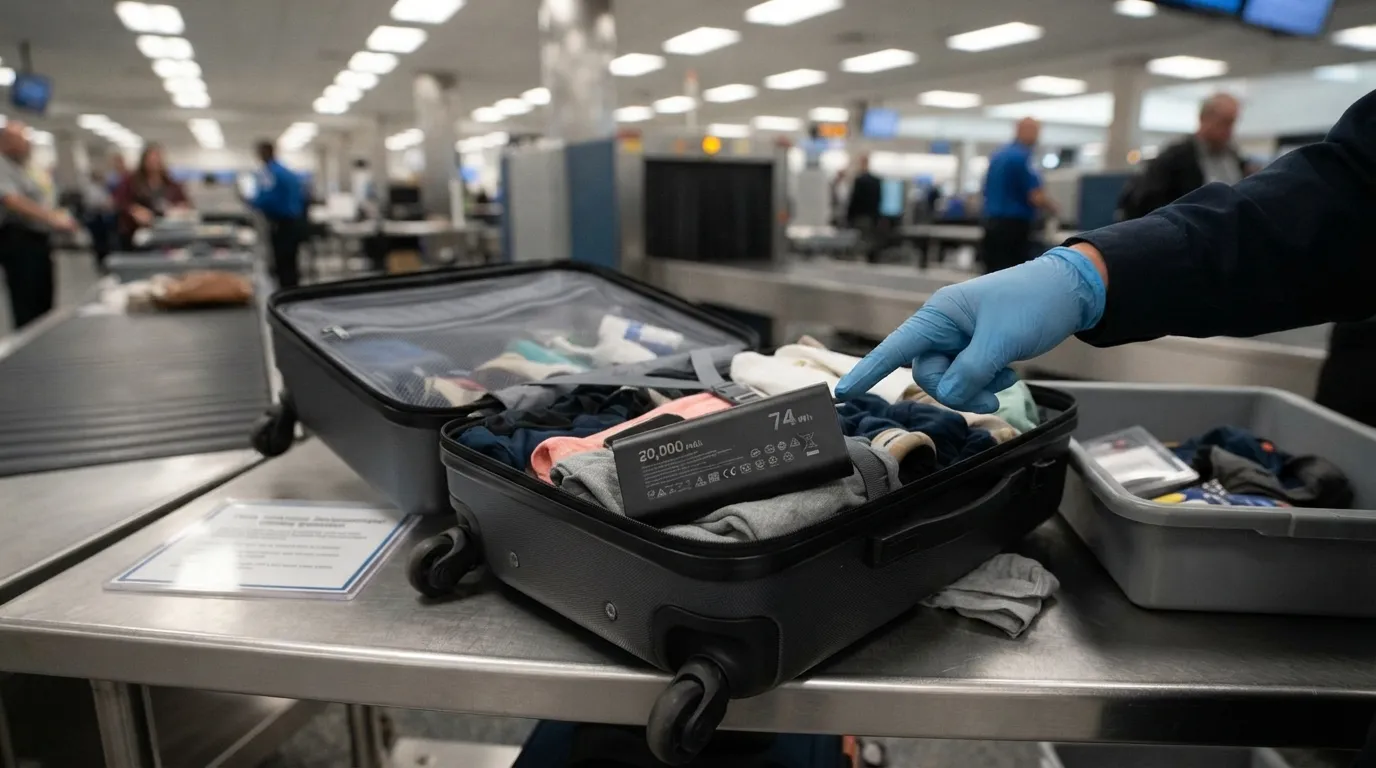
Under FAA guidance and most airline rules, spare lithium batteries and power banks belong in your carry-on, not your checked bag. In the cabin, crew can respond if one overheats.
Check the watt-hour rating printed on the battery, since limits typically start around 100 Wh and larger ones need airline approval. Confirm with your airline before you pack.
Worth Knowing
- Under FAA guidance, spare batteries up to 100 Wh are generally allowed in carry-on bags.
- Batteries from 101 to 160 Wh need airline approval, and travelers are typically limited to two.
- No Wh printed? Multiply volts by amp-hours. A 20,000 mAh bank at 3.7V works out to about 74 Wh.
- Airlines can set stricter rules, so check yours.
But a safe battery can still be set up for trouble at the hotel.
#5 – Letting Chargers Cook Under Pillows and Bags
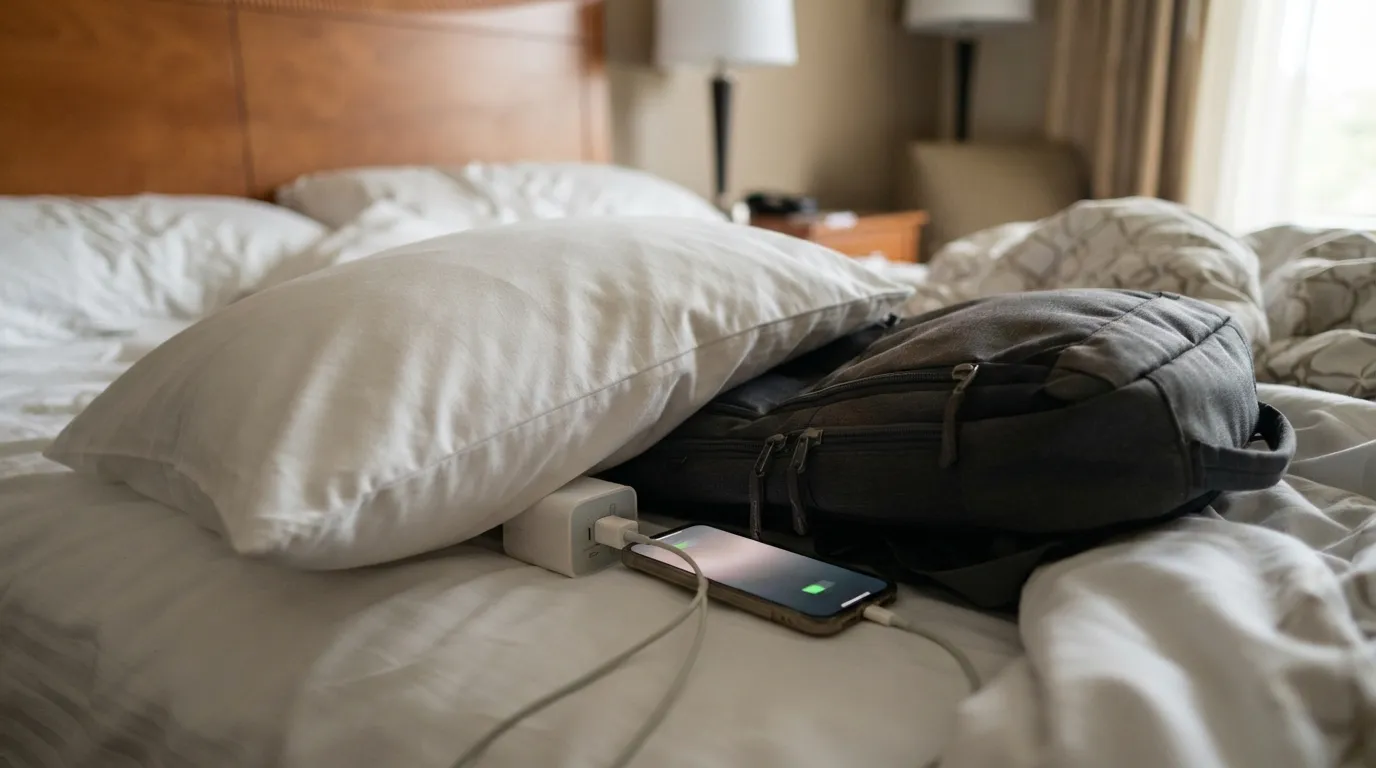
A phone charging under a pillow, or an adapter buried in a bag, has nowhere to shed heat. Chargers warm up normally, but covering them traps that warmth.
Charge on a hard, open surface where you can see it, and unplug when you leave the room. Follow your device manufacturer’s guidance.
Where you charge matters, and so does whether the room has the outlets you pictured.
#4 – Assuming the Room Has Outlets Where You Need Them
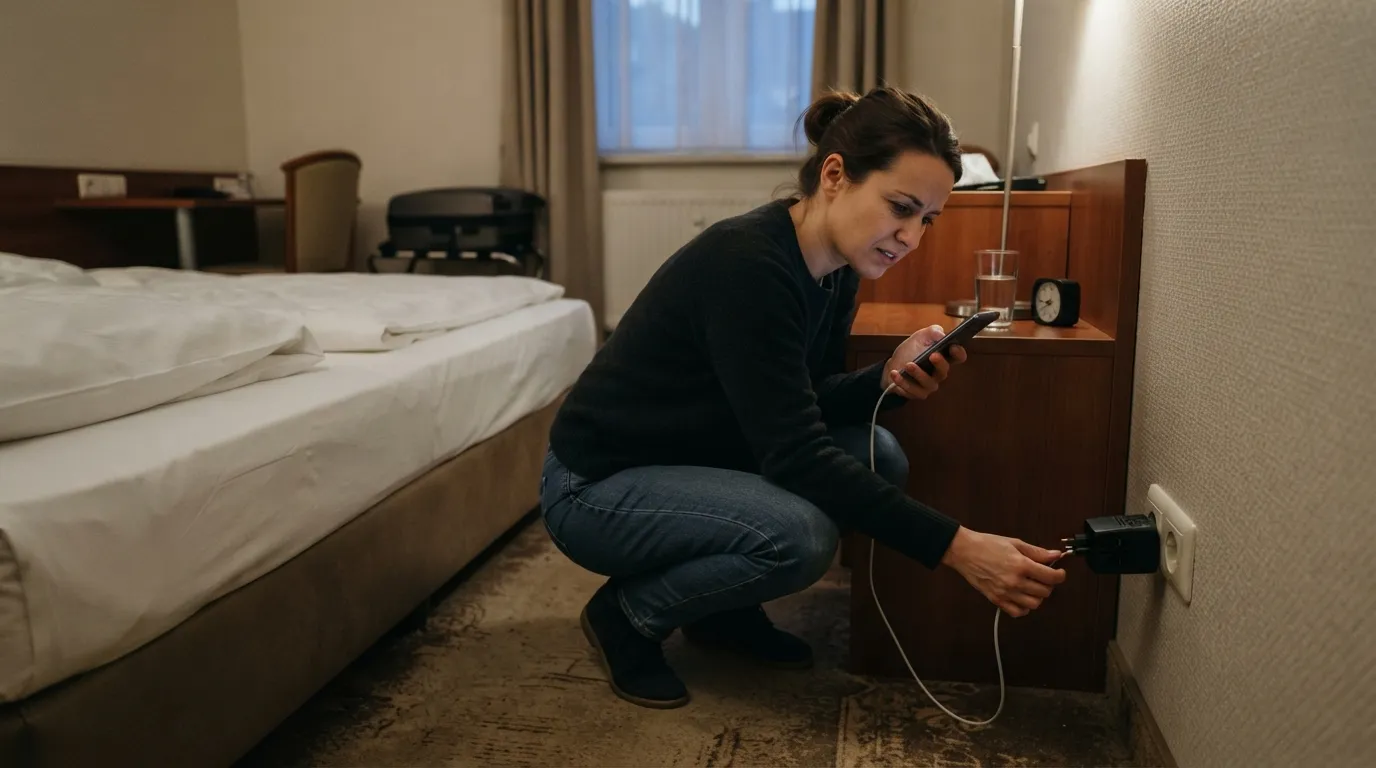
Hotels, hostels, and rentals often have only a couple of outlets, and they may not be near the bed or desk. Many properties will answer questions about plug types and voltage before you arrive.
Ask what the room uses and whether loaner adapters exist. Then plan which devices charge overnight, since one adapter may have to serve them all.
The bathroom, though, deserves extra caution.
#3 – Plugging Into the Wrong Bathroom Outlet
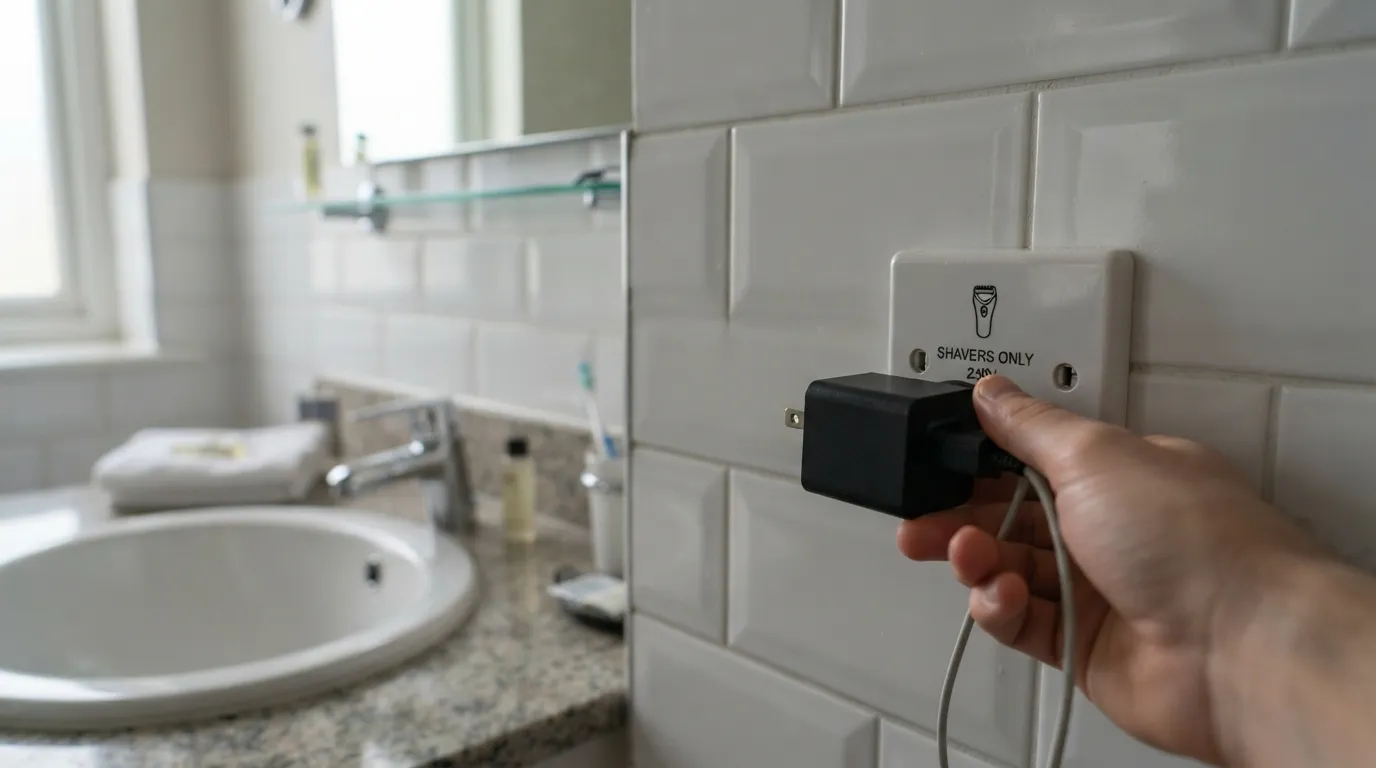
Many bathrooms abroad have a shaver socket, typically designed for low-power items like electric shavers. It isn’t a free-for-all for hair dryers or a pile of chargers.
Read the socket’s markings, and keep adapters, chargers, and cords dry and away from sinks and tubs. Charge in the bedroom instead.
Surprisingly, the next mistake happens before you even leave home.
#2 – Waiting Until the Hotel Room to Test Your Setup
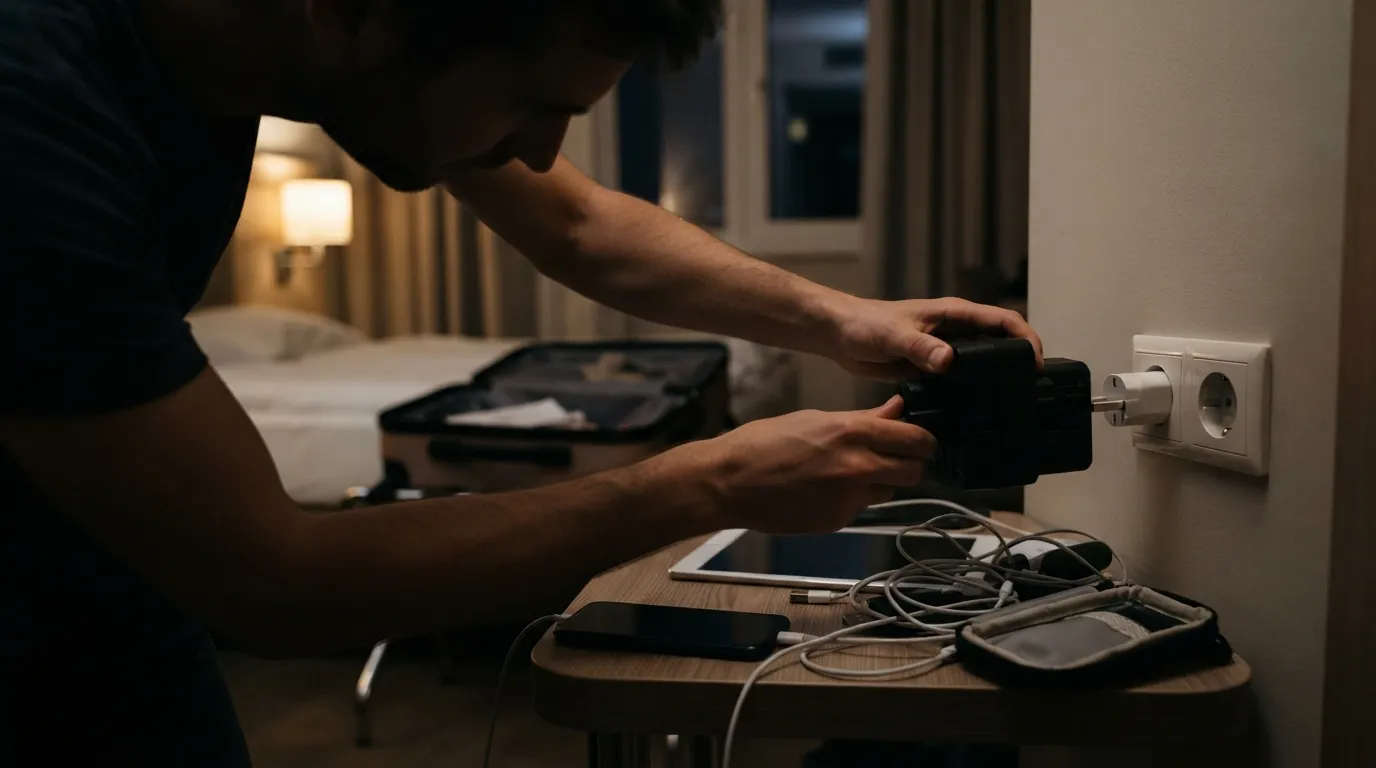
Many travelers meet their adapter for the first time in a hotel room at midnight. That’s when they find the pins are loose, the charger doesn’t fit, or a cable never made it into the bag.
Do a home trial: plug in each charger, confirm the ratings, and write a checklist of devices, adapters, and cables. Five minutes at home beats a scavenger hunt in a foreign city.
At a Glance
- Match the adapter’s plug types to every stop on your route.
- Read the voltage label on each charger and appliance.
- Compare each device’s wattage to the adapter’s rating.
- Keep power banks in your carry-on, with the Wh rating visible.
The last mistake is the one that arrives with a warning.
#1 – Ignoring Heat, Odors, and Damage
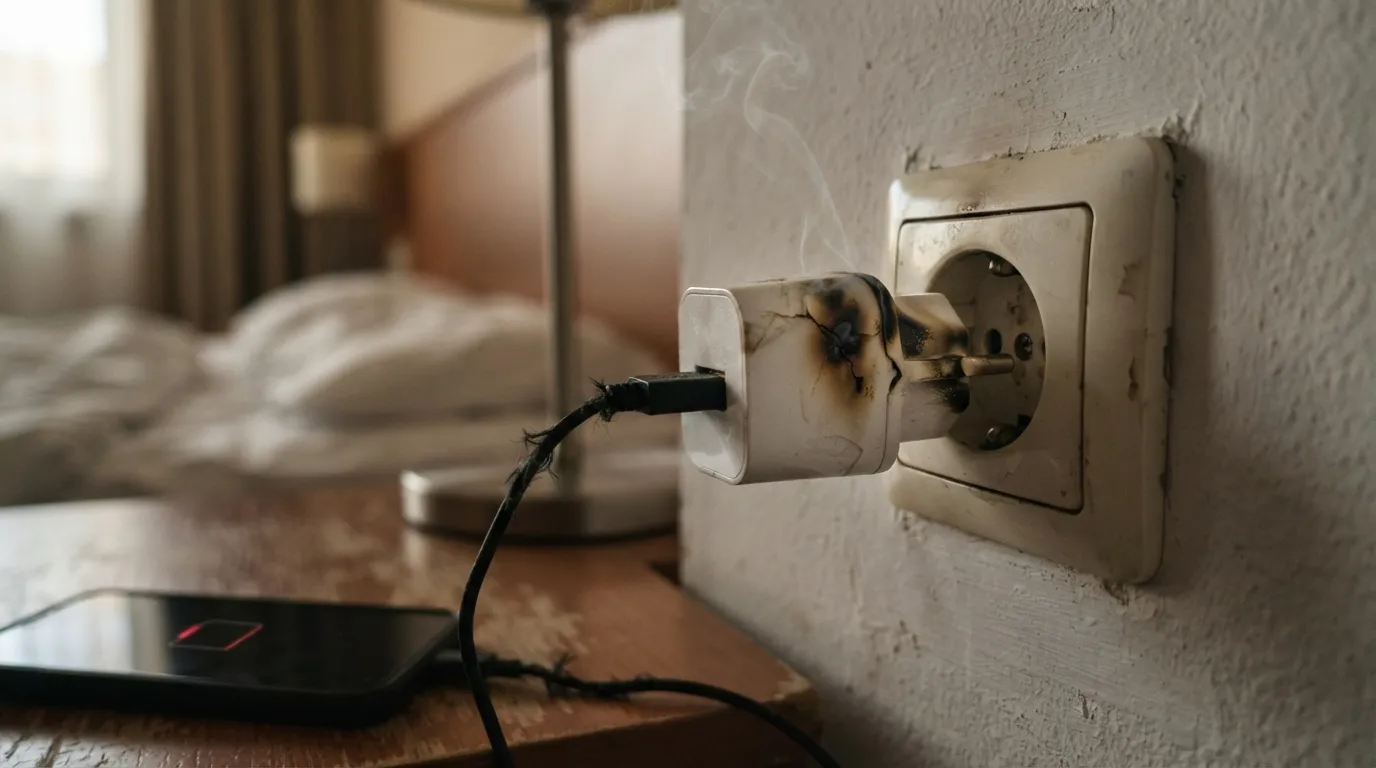
A very hot adapter, a burning smell, a cracked case, or a bent pin means stop. Plenty of people keep going anyway because the phone is nearly dead and they’re exhausted.
Unplug it if you can do so safely, stop using it, and replace it rather than trying to repair it. A dead battery is a problem you can solve tomorrow, and a damaged adapter is a risk you never have to take.
The best travel power setup isn’t the one with the most plugs. It’s the one where somebody read the labels first.
CEO-Co-Founder